
MurMur 0.7 (18+)
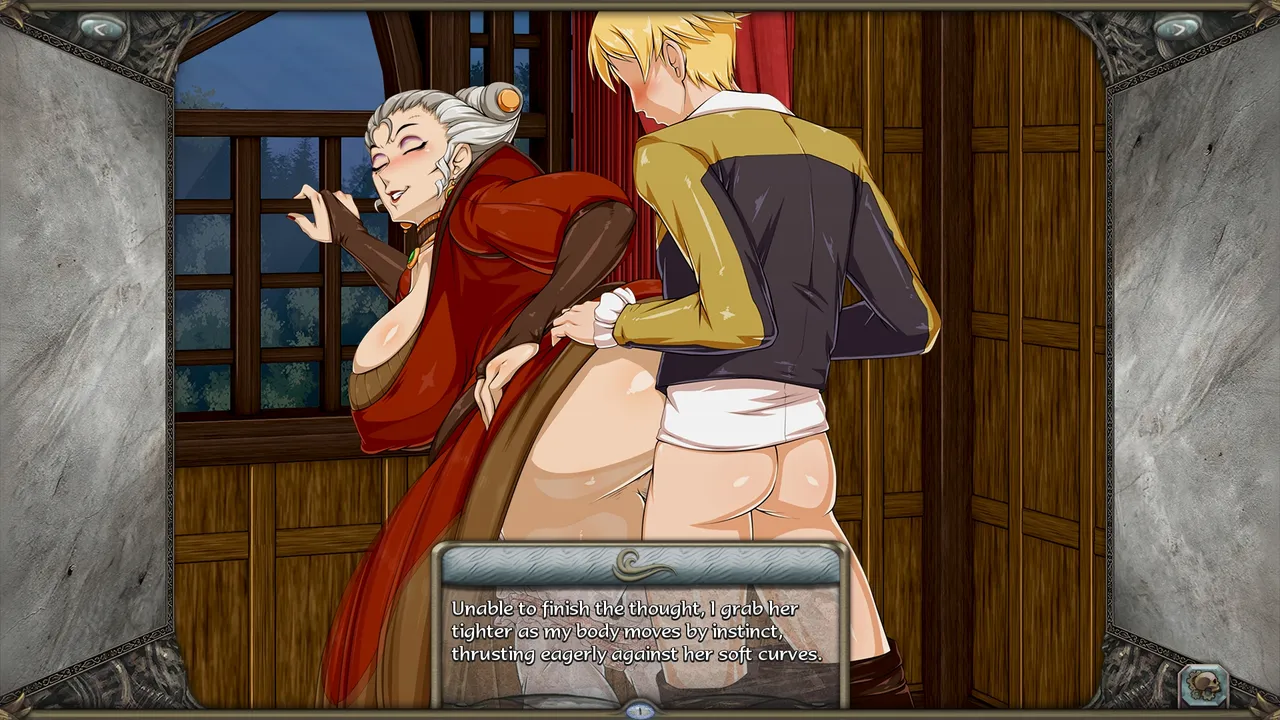
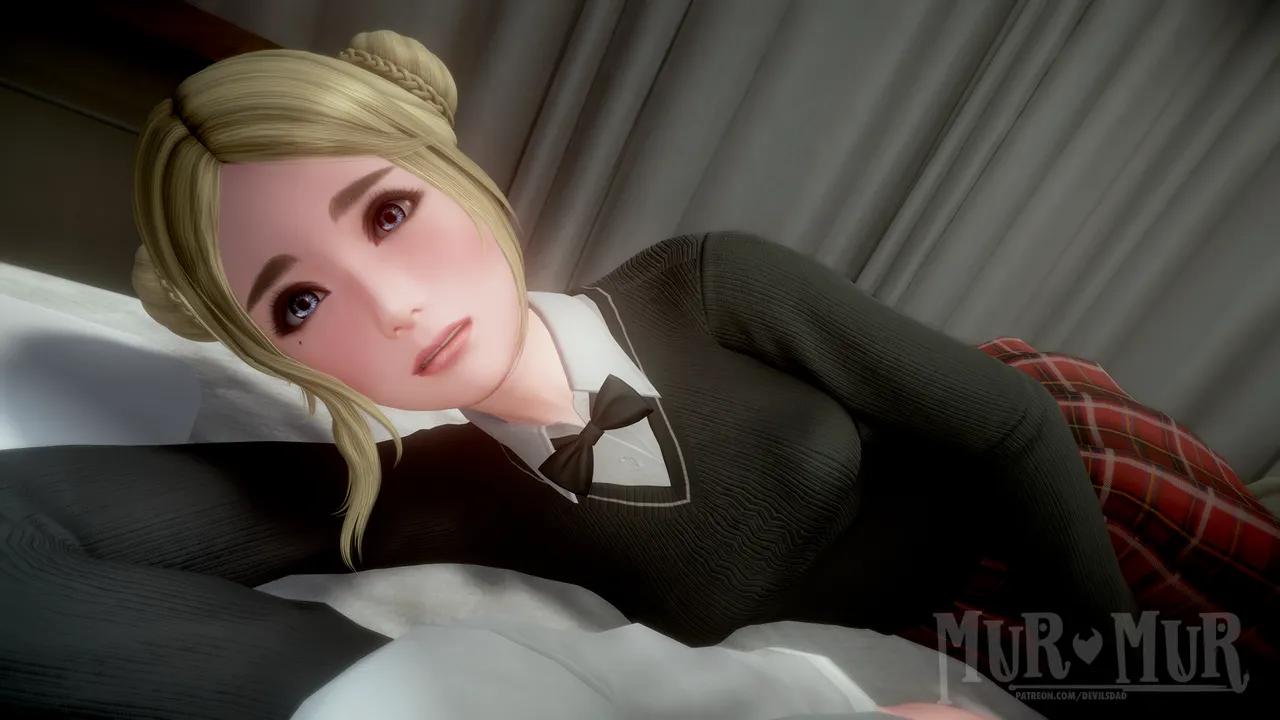
Story-rich adult visual novel with lots of animations and choices~
It is a story about love and lust in our lives, about what their absence leads to and what forms they can take. In this game, you'll be playing as a 29-year-old guy who gets involved in unexpected mystical events. His life gets turned on its head and he has to survive in the new world he's found himself in. But it's not as grim as it seems at first glance. As you play, you'll meet girls who need you just like you need them. Will you make them yours, seduce them, or cherish and love them? It's up to you. Each of them has their own background, character, and hidden fetishes...
Frequently Asked Questions
If you're an ANDROID user, READ down below:
- If it's your FIRST time playing, just install the 0.7 version, nothing else is needed
- If you've PLAYED 0.6.1, then install the 0.7 version on top of it, your saves from 0.6.1 should be there
- If you HAVE NOT played 0.6.1 and DON'T NEED your saves, then DELETE previous version and install 0.7
- If you HAVE NOT played 0.6.1 and WANT TO KEEP your saves from 0.6, READ FURTHER
Because the android version now has new save placement, to keep your saves you need to follow these steps or watch a video guide:
https://player.vimeo.com/video/890743094?h=7d7b936014&byline=0&portrait=0
1) Copy or Move your old saves from there they are located to any other folder - Android 10 or older - "Android\data\RenPy\MurMur-#Numbers" - Android 11 or higher - "Android\data\com.dd.murmur\files\saves" !!! NOT FOLDER "files\saves" BUT WHAT'S INSIDE OF IT !!! You will need a file manager to have access to these folders, for example this one: https://play.google.com/store/apps/details?id=com.speedsoftware.explorer 2) Delete the game - this should delete saves from old folders stated above 3) Install the new update, launch it once and allow asked permission - this is necessary in order for the game to create a new save folder 4) Copy or Move your save files to the new folder that was created by the app after the launch, paste overwriting everything - New save folder location - "Documents\RenPy_Saves\com.dd.murmur" 5) Launch the game and if you have your save files, you did everything correct, if not, recheck every step you did and folders where you've pasted files 6) Play and enjoy
Support the game by becoming a patron
And join the
Be a part of our community <3
More information
Updated 25 days agoStatusIn developmentPlatformsWindows, macOS, Linux, AndroidRatingRated 4.5 out of 5 stars